Hide Courses, Events, Blog or Chat if your community doesn't use them.
Any Community Admin can do this. Groups, the feed and Members are always on.
When you turn a feature off, it leaves the menu, search and home page for everyone. Your content is kept. Turn the feature on again to see it.
Steps
- In Studio, go to Settings → Features.
- Click the switch next to the feature.
- To turn it off, confirm with Turn off. You see " is off."
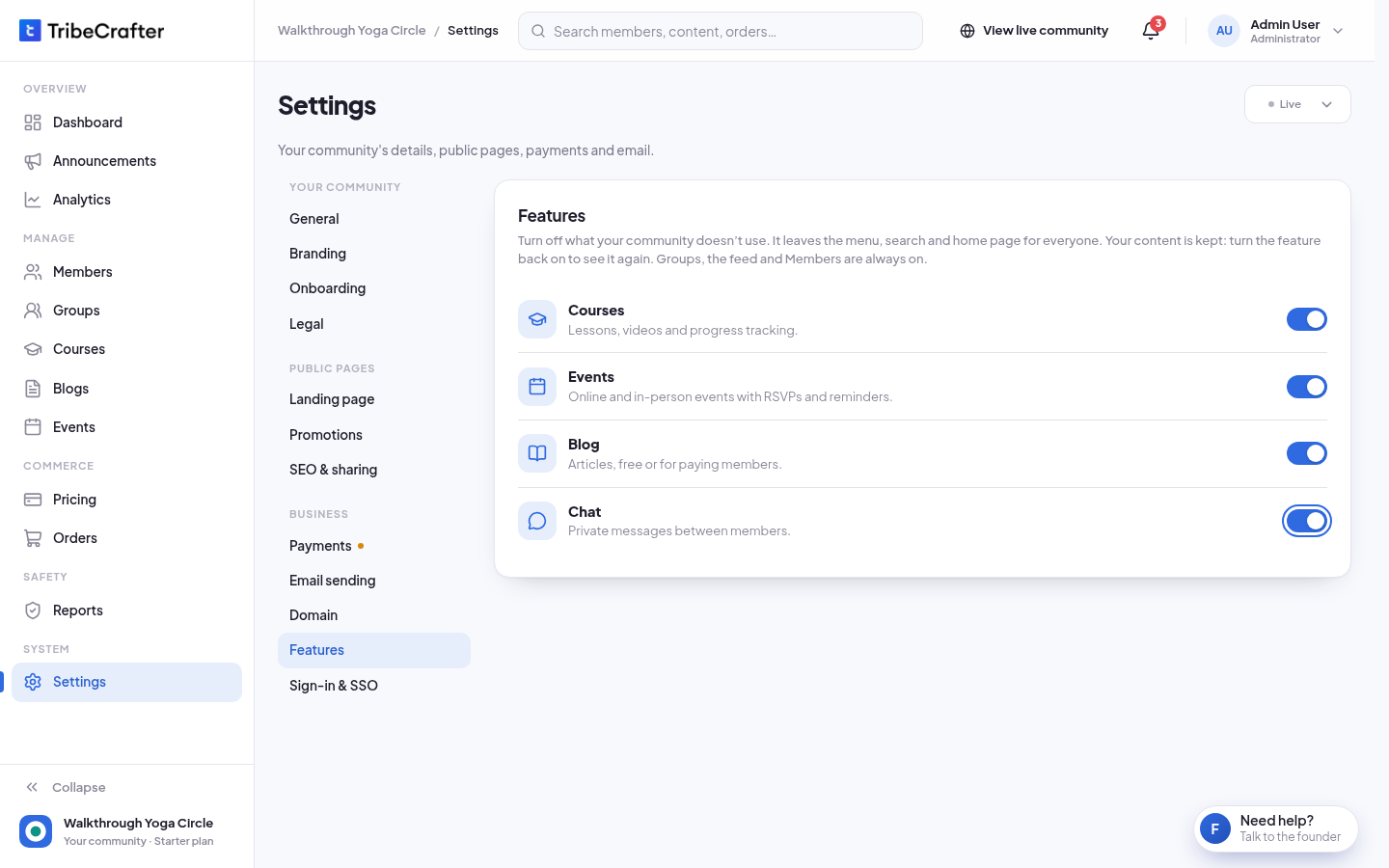
There is no Save changes button on this page. A change works at once. Turning a feature on needs no confirmation: you see " is on. Members see it again."
When a feature can't be turned off
A feature in use shows Locked on, and you can't use its switch.
| Feature | Can be turned off only when |
|---|---|
| Courses | No course is published or archived, nobody is enrolled, and no plan or product sells a course or gives access to all courses. |
| Events | No event is published or cancelled. Drafts are fine. |
| Blog | No post is published or archived, and no plan or product sells blog posts or gives access to all posts. |
| Chat | Always. Members can't send or read messages while it's off. Conversations come back when you turn it on. |
You can still prepare drafts while Courses, Events or Blog is off.