Find the news the community team sends to every member, and mark it as read.
The community team sends announcements to tell every member about something new. Announcements show in the community only. They don't come by email.
Read announcements
- Click the bell in the top bar. A red number shows when something is unread.
- Click the Announcements tab.
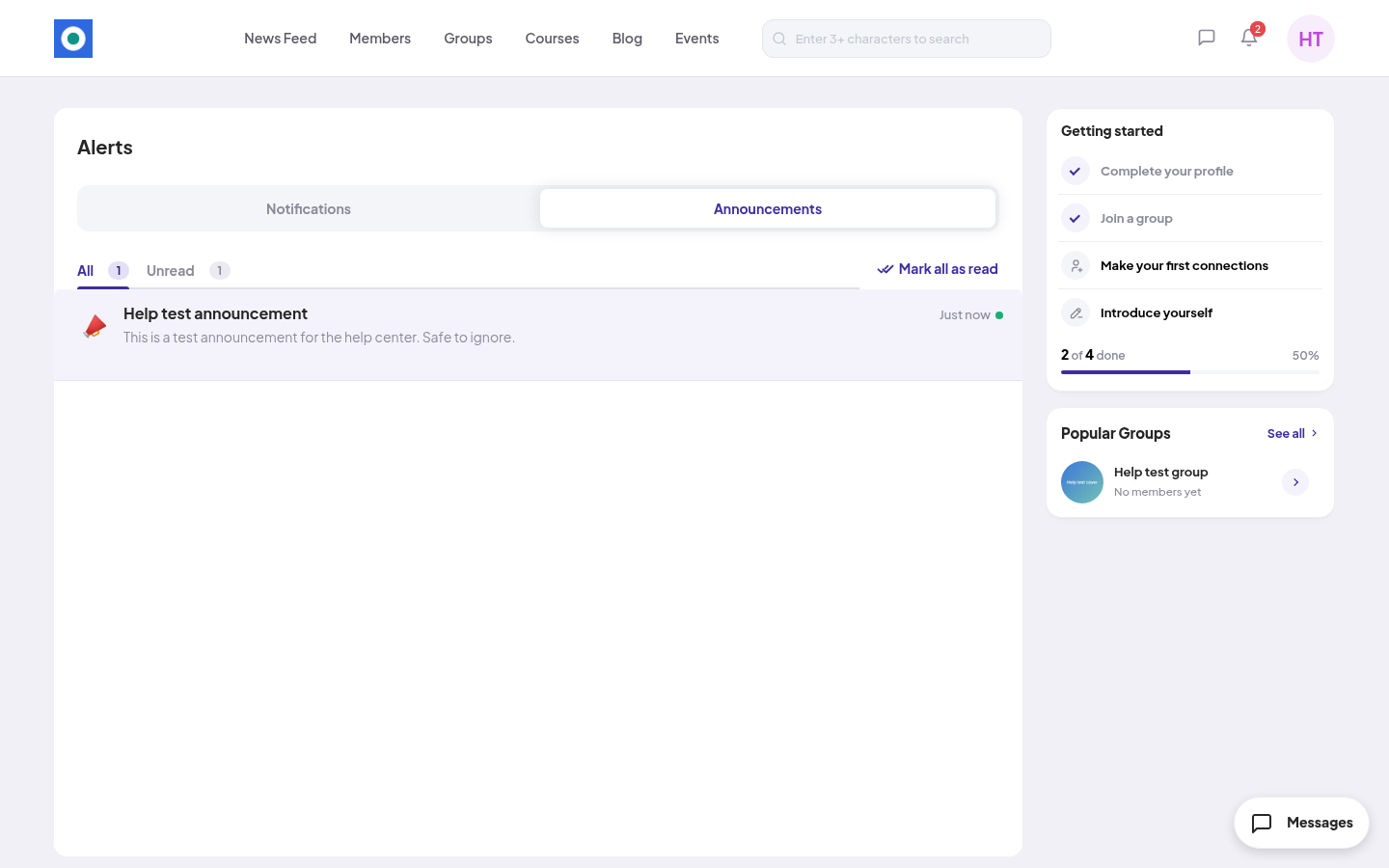
- Each announcement shows its title, the message and when it was sent.
Use All or Unread to filter.
Mark as read
- Click an announcement to mark it as read.
- Click Mark all as read to clear them all at once.
You can't delete an announcement or turn announcements off. If there are none yet, you see "No announcements yet".