Find your community's events, register to save your spot, add an event to your calendar and get the meeting link.
Events are free for all members. You don't buy a ticket.
Find an event
- In the top menu, click Events.
- All Events lists every event. My Events lists the events you registered for.
- Use Mode (online or in person) and Status to filter, and Sort to change the order.
Each card shows the date and time, Online or the address, and how many members are going. Times show in your own time zone.
Register
- Open the event.
- Click Register. You see "You've successfully registered for the event."
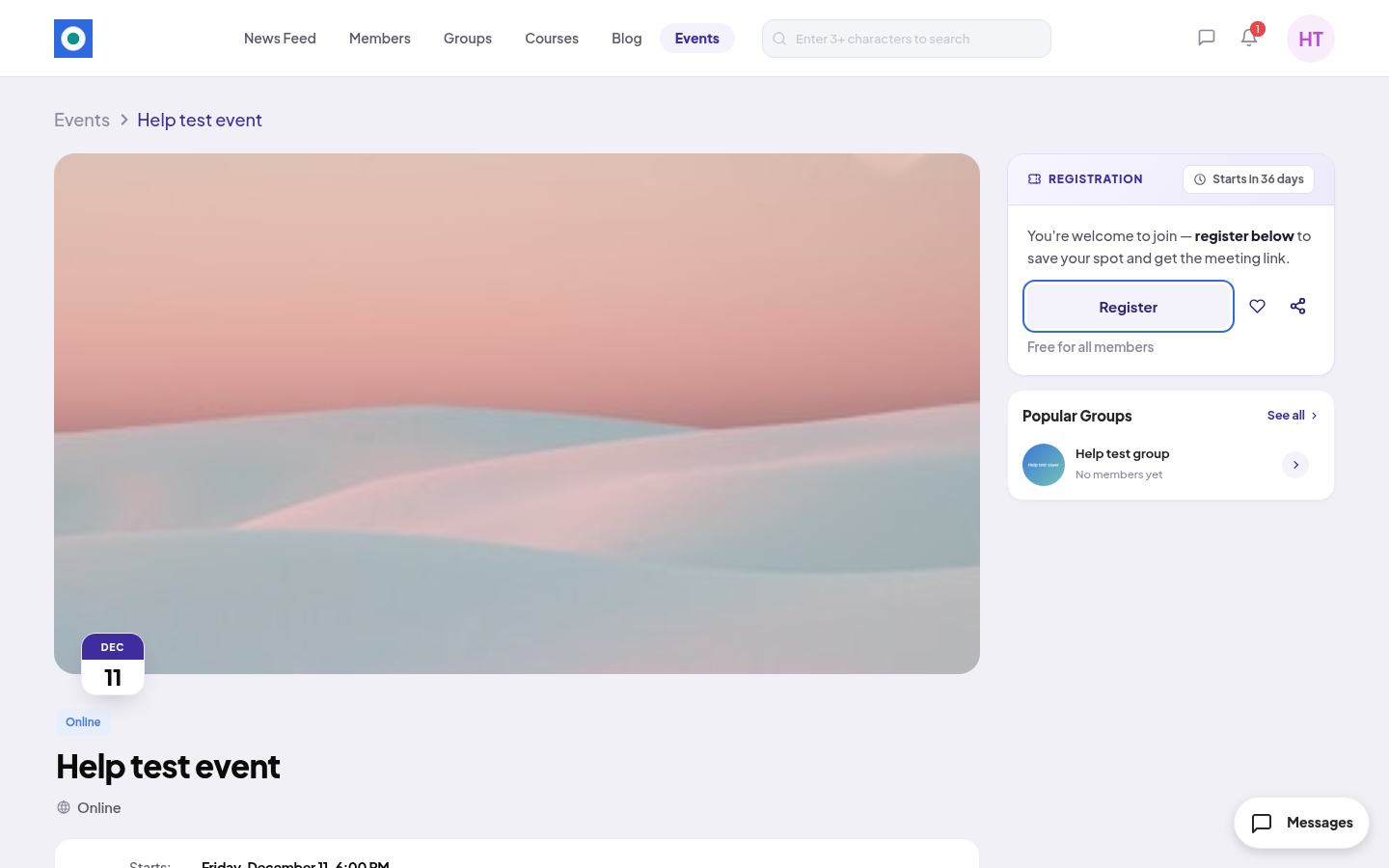
The box at the top now says YOU'RE IN and "Starts in" with the time left.
- Online event: the Meeting link shows on the page after you register.
- In-person event: the address shows on the event page and on the card.
Add it to your calendar
- On the event page, click Add to Calendar.
- Your browser downloads a calendar file (
.ics). Open it to add the event to your calendar app.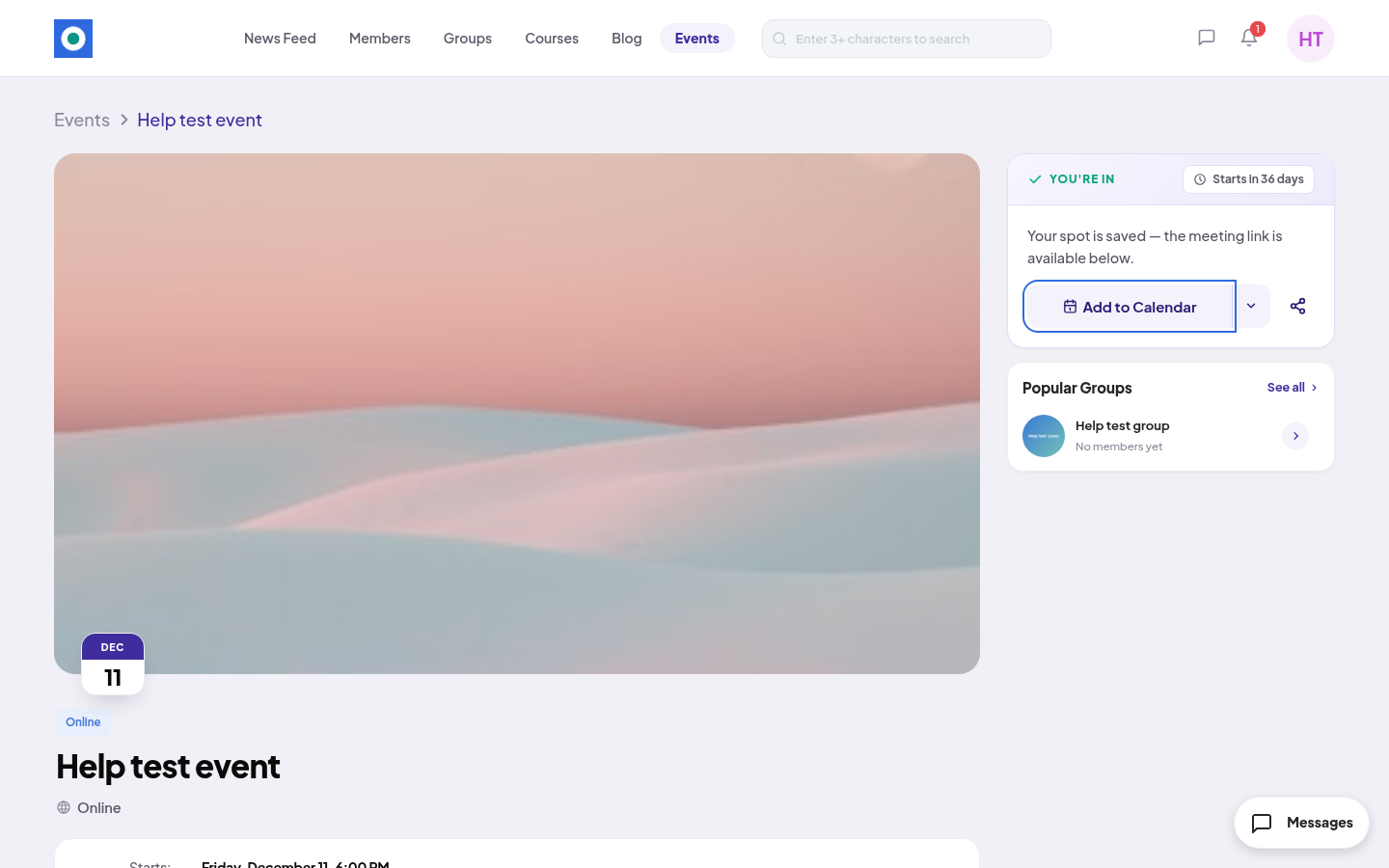
Unregister
- On the event page, click the arrow next to Add to Calendar (More registration options).
- Click Unregister from Event.
- Click Unregister. You see "You have successfully unregistered from the event."
You can register again later while the event is still open.
After the event, or if it is cancelled
- When the event ends, the page says "This event has ended. Thank you for attending." and how many members went.
- If the team cancels an event, the page says "This event was cancelled." with the reason. Members who registered also get a notification and an email.
Members can't create events. Only the community team can.