Learn where everything is in your community: the top menu, search, messages, alerts, your account menu and your settings.
The top menu
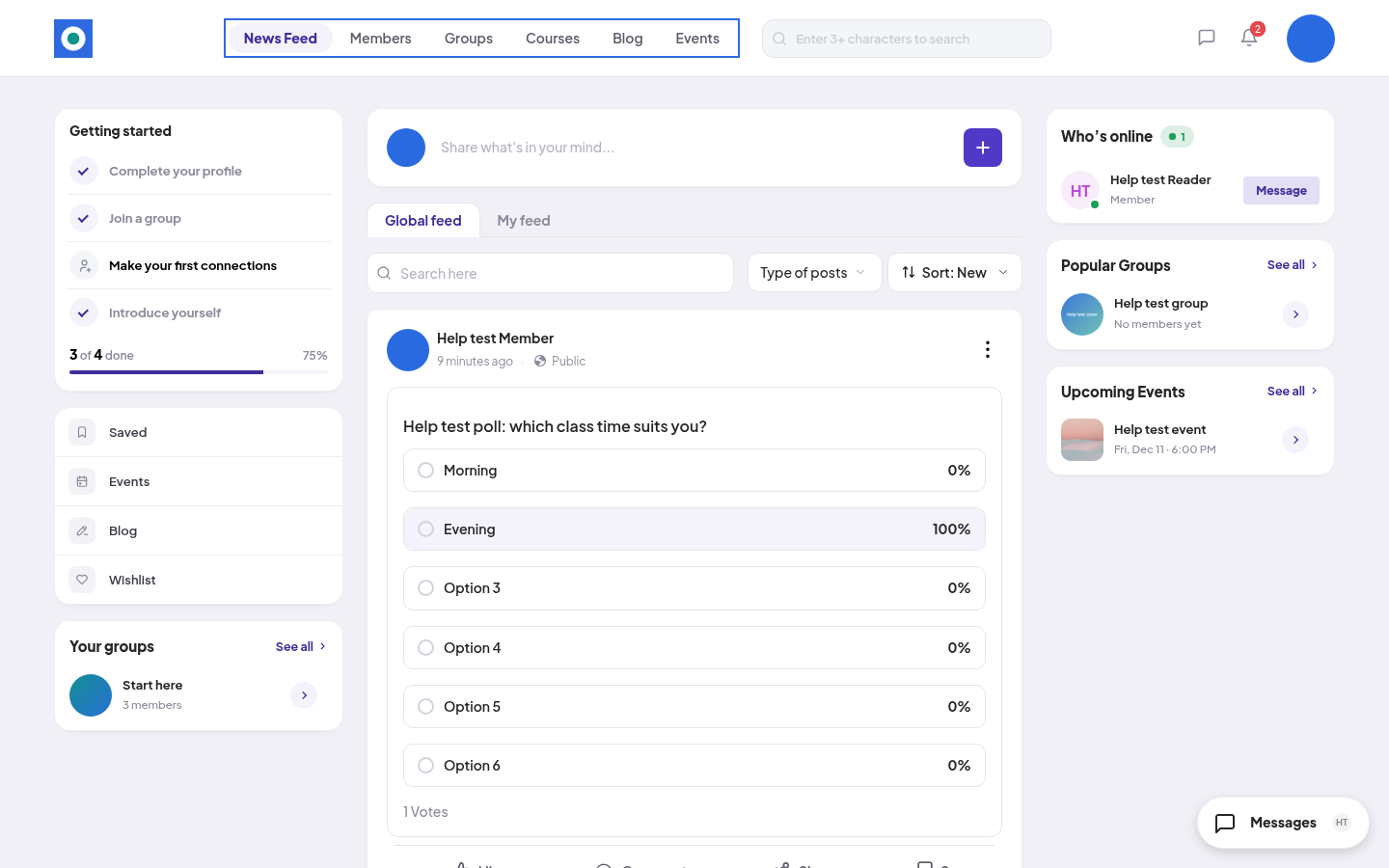
On a laptop, the top menu has:
- News Feed: posts from members and groups. See Using the newsfeed.
- Members: everyone in the community, your connections, requests, followers and following.
- Groups, Courses, Blog, Events: what your community offers.
- Plans: only if your community sells plans.
Your community may turn off Courses, Blog, Events or messages. Then you don't see them.
Next to the menu is the search box. Type at least 3 characters ("Enter 3+ characters to search"). Matches show as you type. Press Enter to see all results.
On the right of the top bar:
- The speech-bubble icon opens Messages, your private conversations. See Direct messages.
- The bell opens Alerts. It has 2 tabs: Notifications (activity about you) and Announcements (from the community team). A red number shows how many are unread.
- Your picture opens the account menu.
The account menu
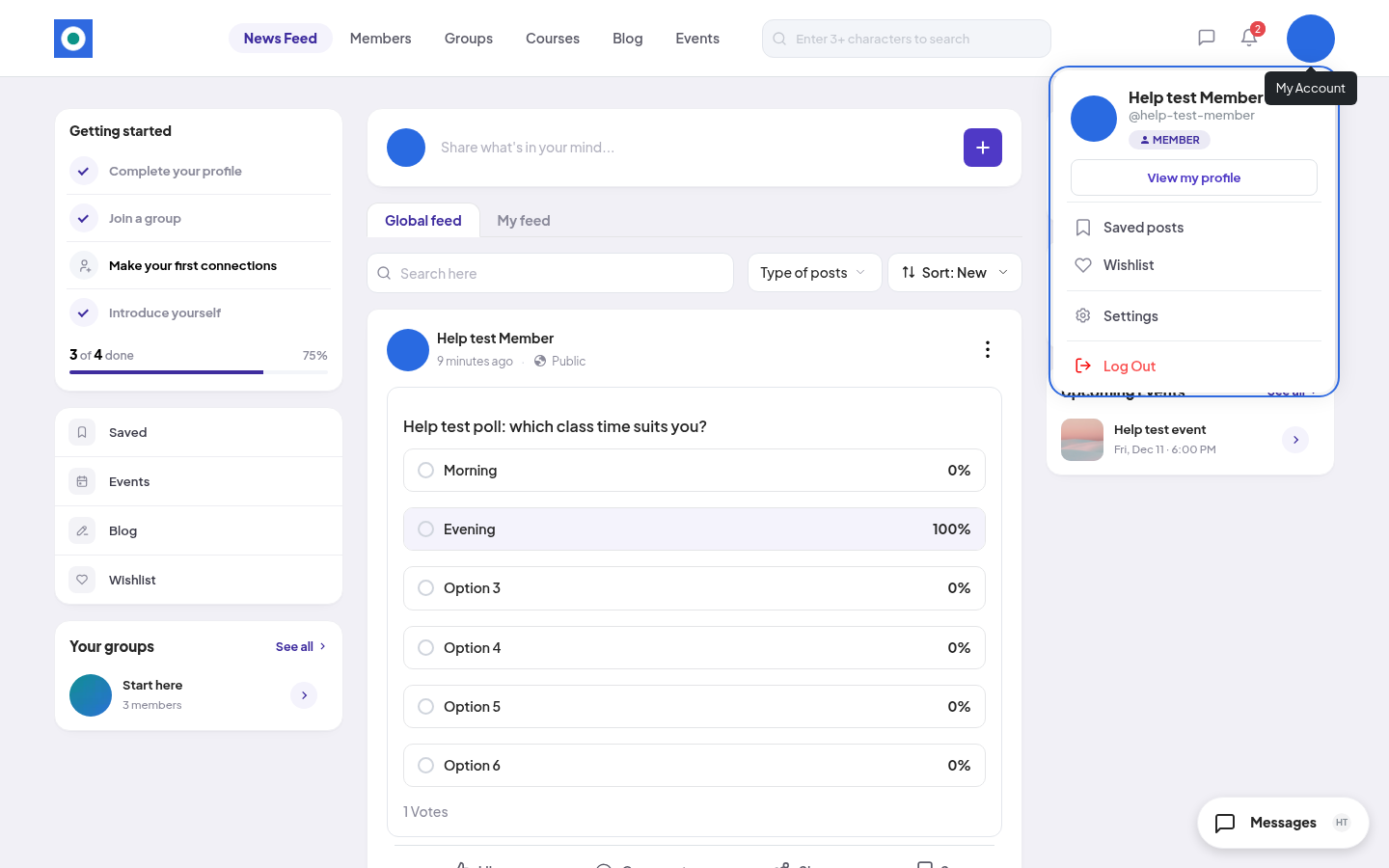
Click your picture at the top right. You see your name, your @username and your role, then:
- View my profile
- Saved posts: posts you saved from the feed.
- Wishlist: items you saved for later. See What you've unlocked, and your wishlist.
- Orders & plans: only if your community sells something.
- Settings
- Log Out
The News Feed page
- On the left: Getting started (your first steps), quick links to Saved, Events, Blog and Wishlist, and Your groups.
- In the middle: the box to write a post, then the feed.
- On the right: members who are online or were recently active, popular groups and upcoming events.
- At the bottom right: the Messages button. It opens a small Chat panel with your conversations, so you can reply without leaving the page.
Your settings
In the account menu, click Settings. You find:
| Section | Pages |
|---|---|
| ACCOUNT | Edit Profile, Login & Password, Email Address, Notifications, Blocked Members, Privacy |
| PURCHASES | Order History |
| HELP | Support |
Privacy has Download my data and Delete my account.
Free and paid
Joining the community is free. So are the newsfeed, members, messages and free groups and courses. Some groups, courses and blog posts need a plan or a product your community sells. You don't buy a group or course by itself.
On a phone
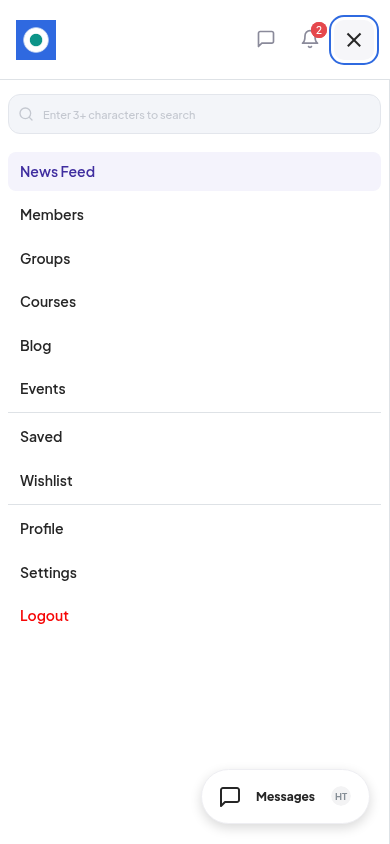
The top menu, Saved, Wishlist, Profile, Settings and Logout are all in the menu button at the top right. The search box is at the top of that menu. The messages icon and the bell stay in the top bar.