Find members, posts, groups, courses, events, blog posts, products and plans from the search bar.
Search
- Click the search bar in the top bar ("Enter 3+ characters to search").
- Type at least 3 characters. Matches show in a list under the bar as you type.
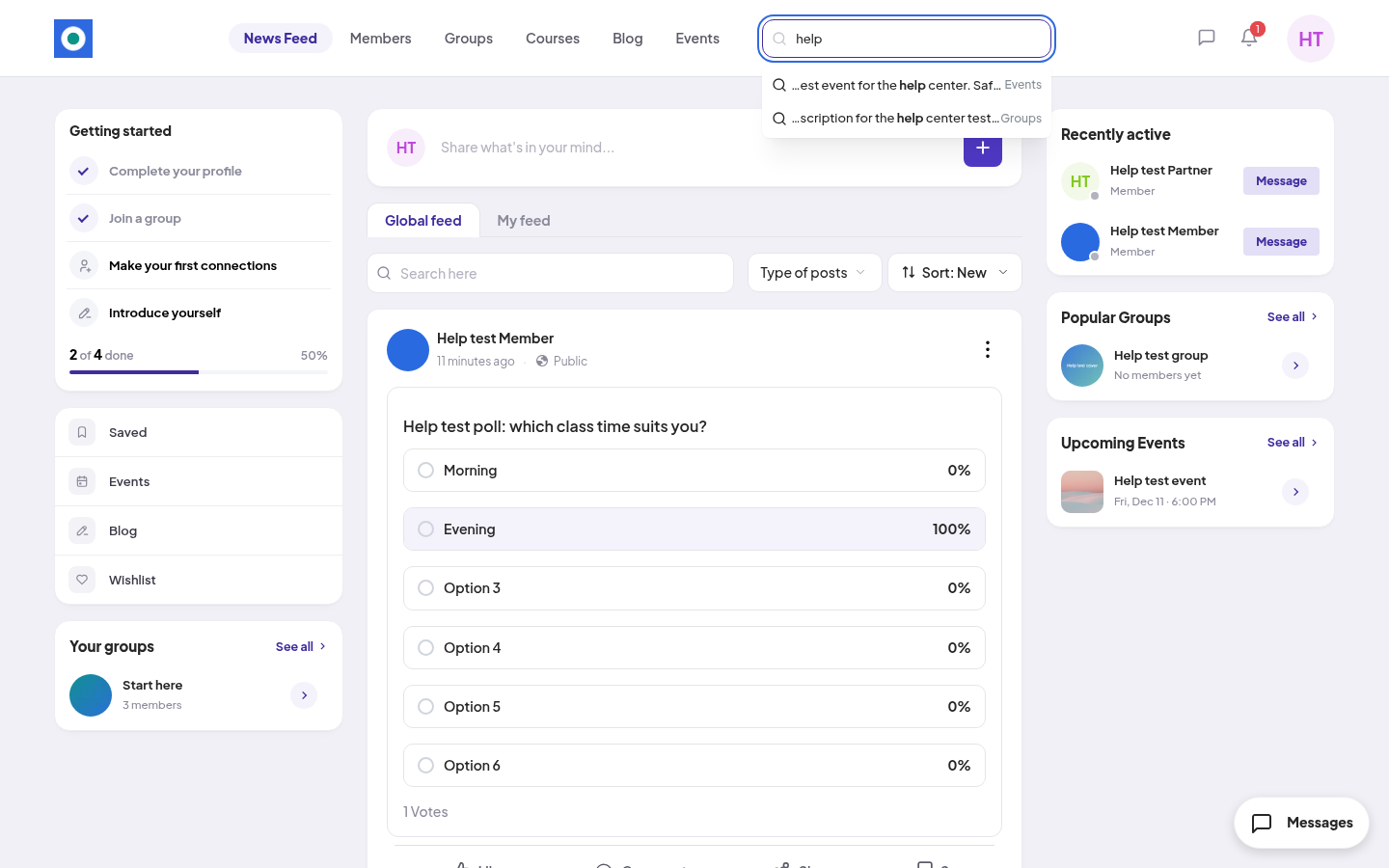
- Click a match to open it, or press Enter to see all results.
The results page
On the left, the results page lists each type with the number of matches:
All, Members, Posts, Comments, Products, Plans, Groups, Courses, Events, Blogs.
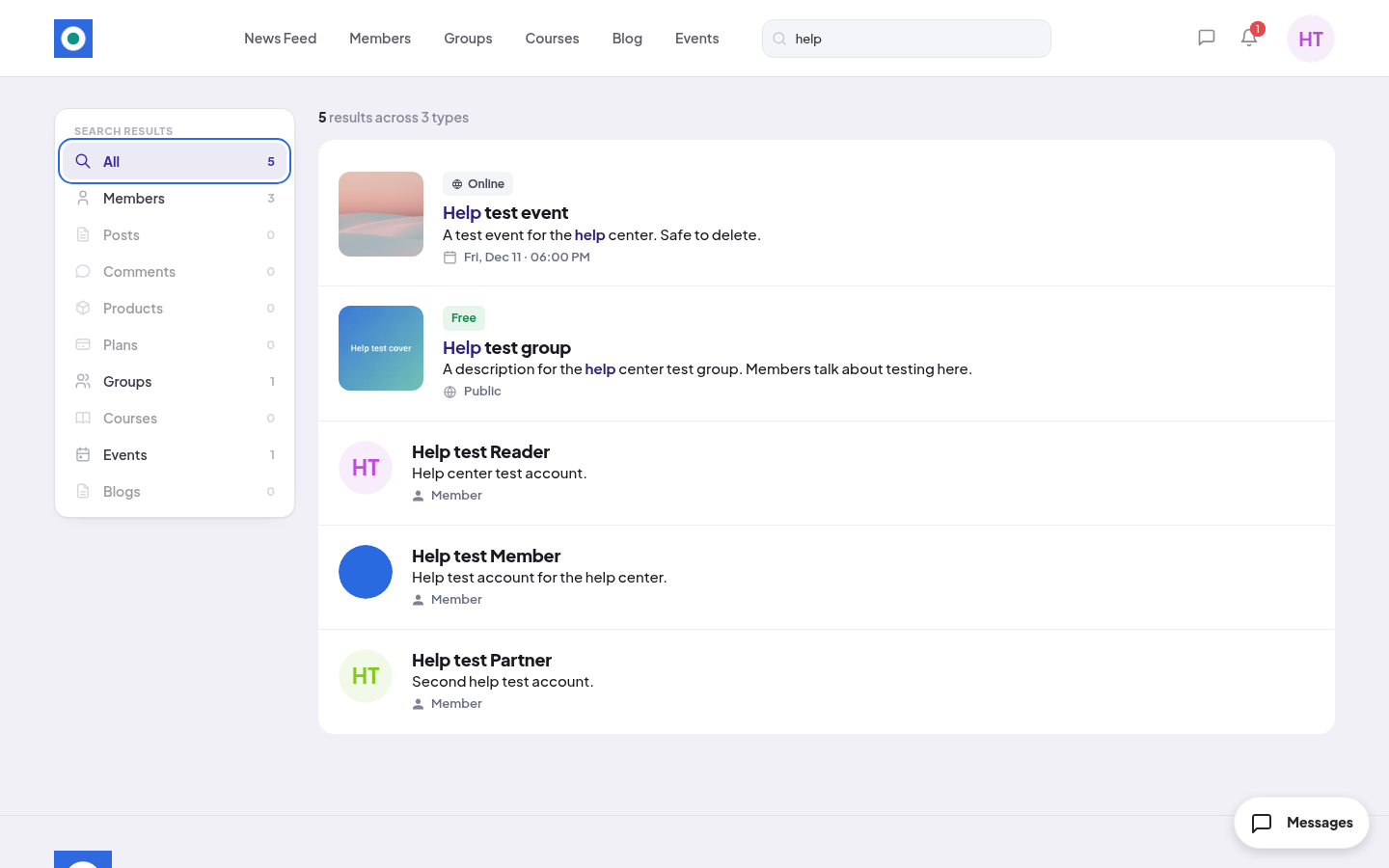
Click a type to see only those results. If nothing matches, you see "No results found". Click Clear Search and try other words.
What search finds
- Members show only when you are signed in.
- Posts and Comments show only from places you can see.
- Premium groups, courses and blog posts show with a Premium label even if you don't have access yet. Open one to see how to get access.
- Direct messages are not in search.