Enroll in a course, work through its lessons, follow your progress and get your certificate.
Find a course
- In the top menu, click Courses.
- All Courses lists every course. My Courses lists the courses you are enrolled in.
- Use Status, Pricing and Access to filter, and Sort to change the order.
Each card shows Free or Premium and the number of lessons.
Enroll
Open the course. The button on the right depends on the course:
| Button | What it means |
|---|---|
| Get for free | A free course. Click it to enroll. |
| Enroll | Your plan or product already includes the course. Click it to enroll. |
| Get access | A paid course. Click it to see the plans and products that include it. |
- Click Get for free (or Enroll). You see "You now have access to this course."
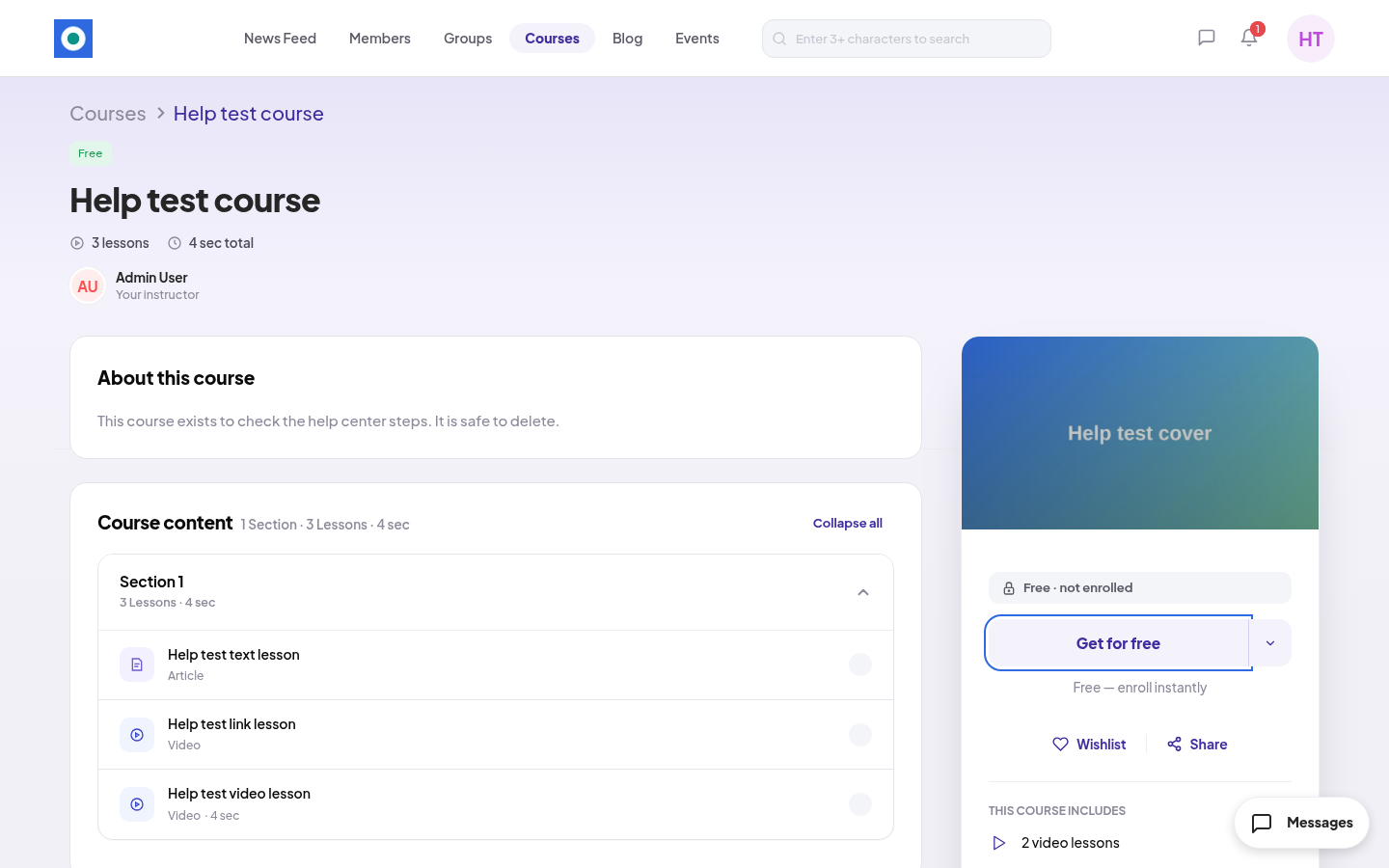
- The button changes to Start Learning. Click it to open the first lesson.
You can't buy a course on its own. Paid courses come with a plan or a product. See Buying a product and Subscribing to a plan.
Work through the lessons
A lesson can be a video or an article. Lessons marked FREE PREVIEW open even before you enroll.
- Read or watch the lesson.
- Click Mark as Complete. You see "Lesson marked as complete successfully." The button changes to Completed.
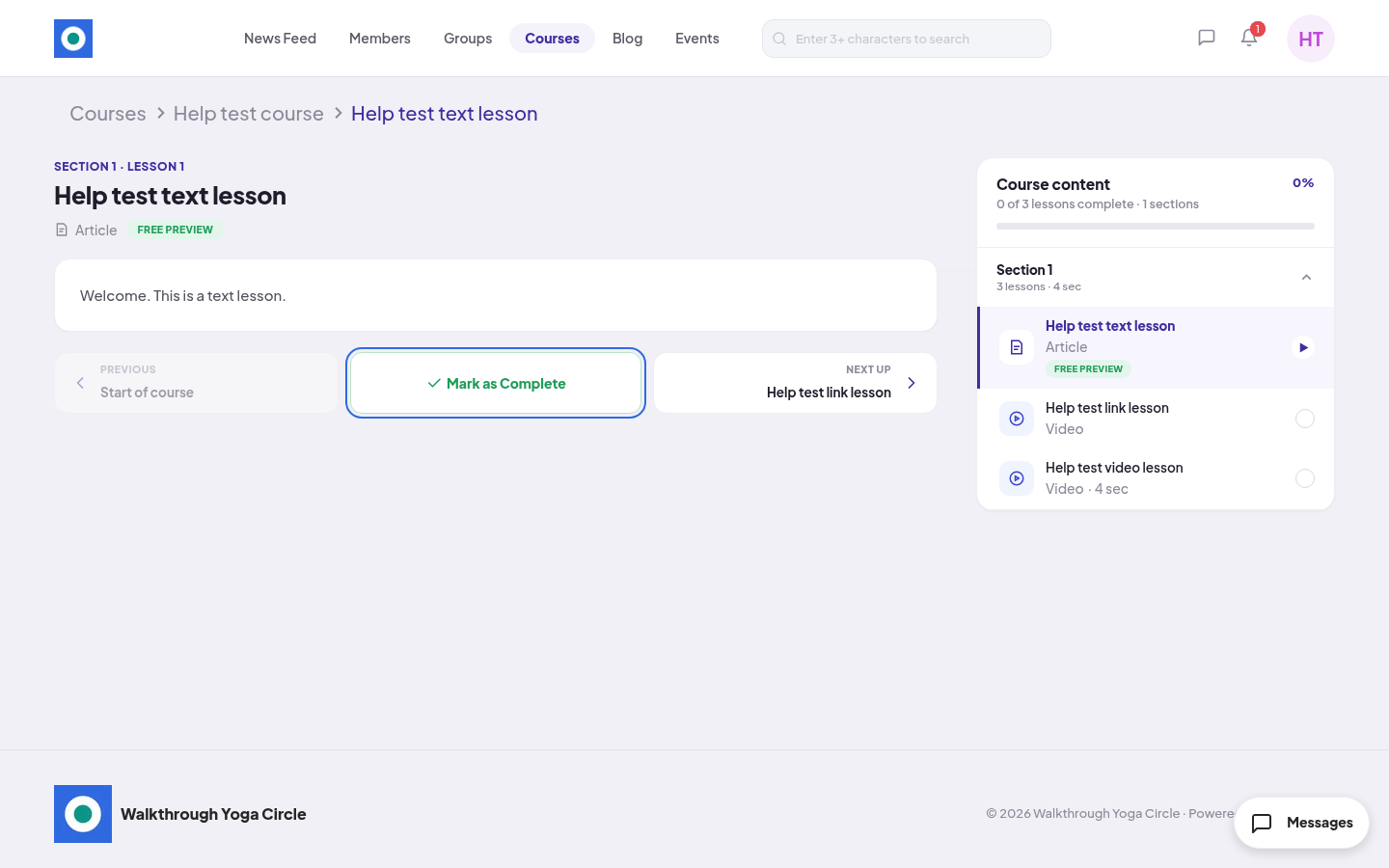
- Click NEXT UP to go to the next lesson, or PREVIOUS to go back.
The Course content panel shows your progress, for example "1 of 3 lessons complete", and a percentage. On the course page, the button changes to Continue Learning after your first lesson.
Get your certificate
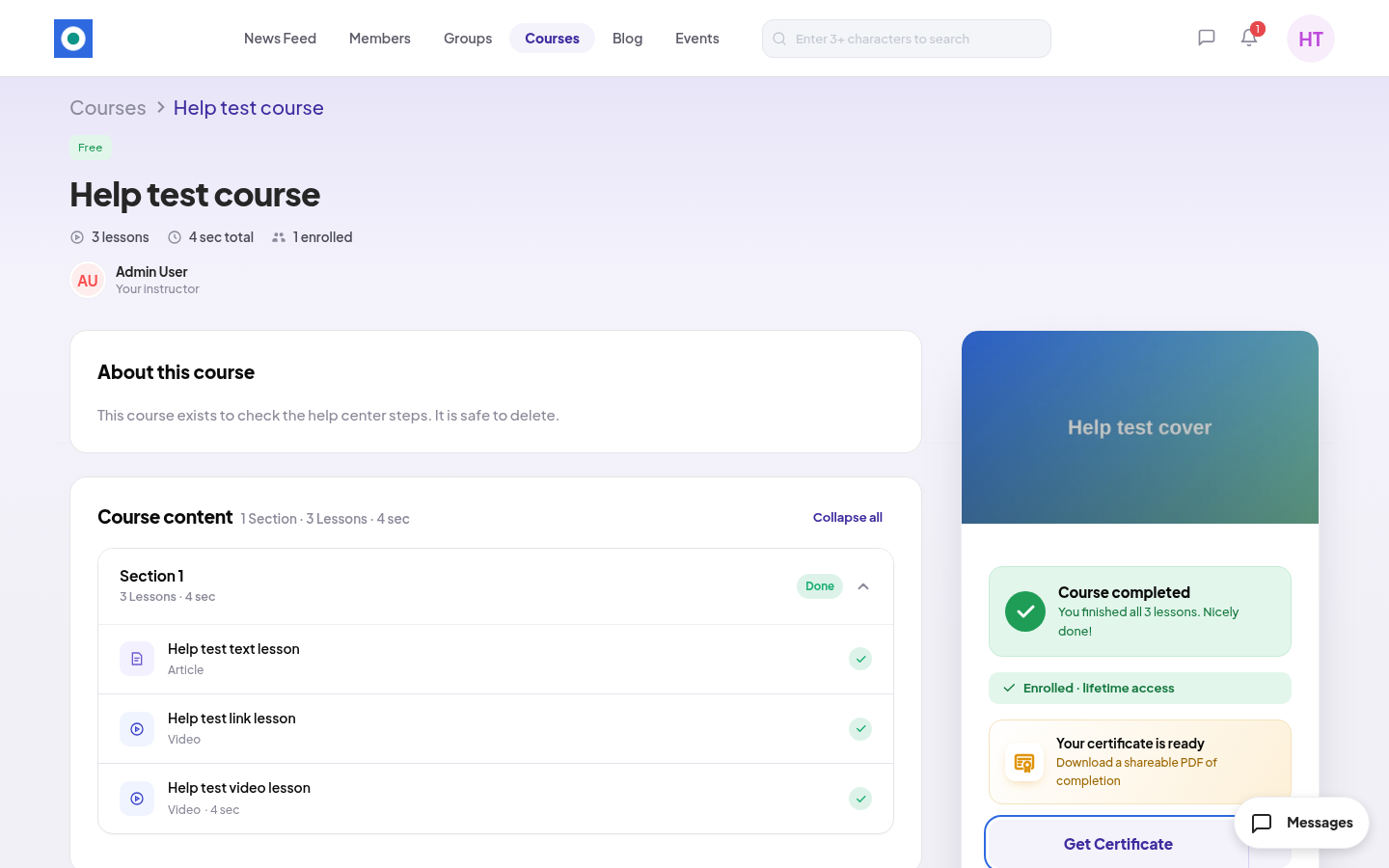
When you complete all lessons, the course page shows Course completed and "Your certificate is ready".
- Open the course.
- Click Get Certificate. You get a PDF of your certificate.
Rules and limits
- A free course gives you lifetime access.
- With a paid course, your access lasts as long as the plan or product that gives it. When it ends, the button says Renew Access. Your progress is kept.
- Members can't create courses. Only the community team can.