Send a message that every member sees in their notifications.
Only Community Admins can send announcements.
An announcement is in-app only. Members see it in the community. No email is sent.
Send an announcement
- In Studio, click Announcements.
- Click New announcement.
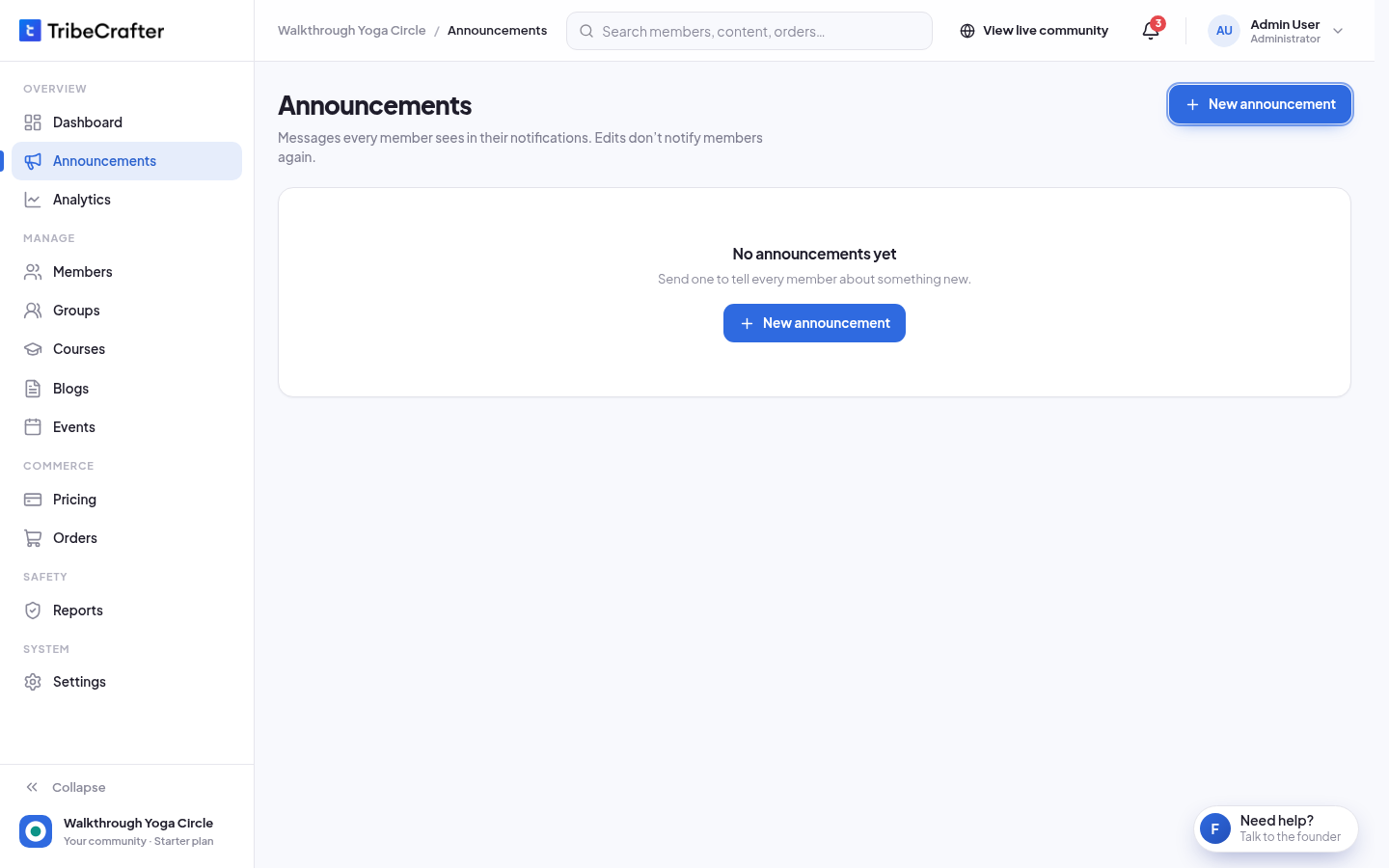
- In Title, write a short title, for example "New course: Portrait lighting".
- In Message, write what you want every member to know.
- Click Send to all members.
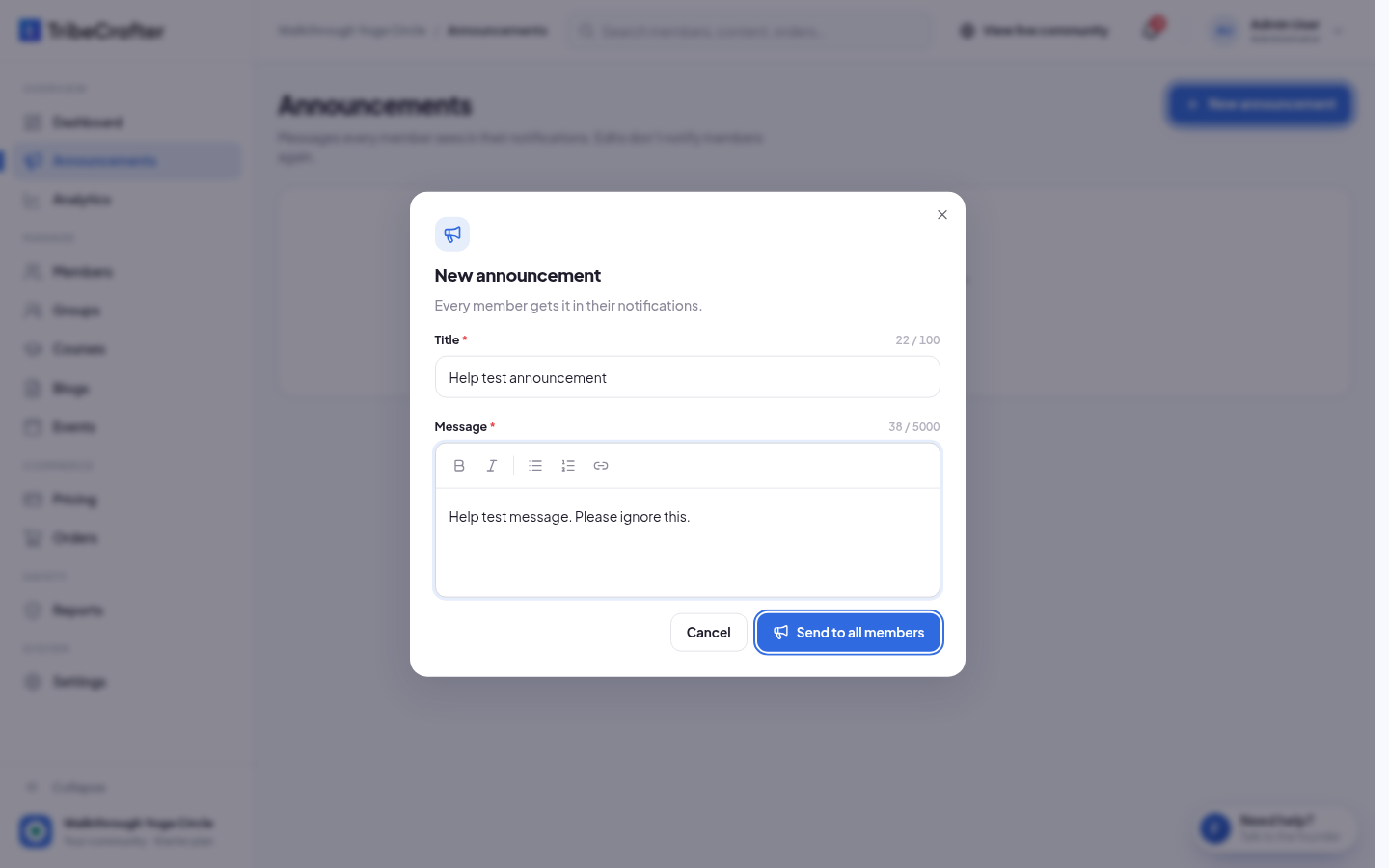
- You see "Send this announcement?" Click Send. You see "Announcement sent."
The announcement goes out at once. You can't schedule it or send it to only some members.
What members see
- Members who are online see it pop up at once.
- The bell in the community gets +1 on its unread count.
- In Alerts, the announcement is on the Announcements tab, next to Notifications.
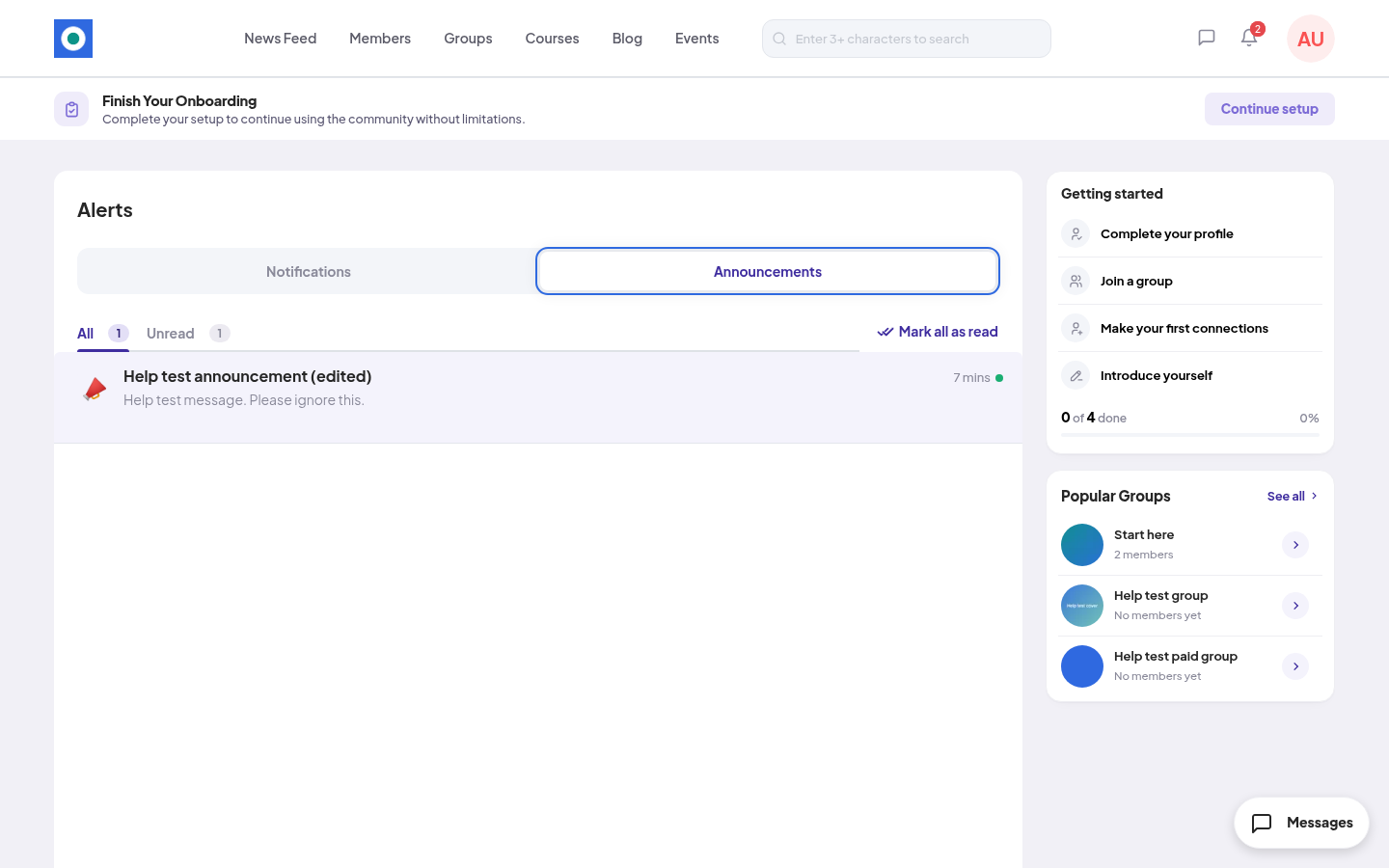
Members who join later can still read older announcements, but those don't count as unread for them.
Rules and limits
| Rule | Limit |
|---|---|
| Title | Required. Up to 100 characters. |
| Message | Required. Up to 5,000 characters. |
| How many you can send | Up to 10 an hour for each admin. |
| None. Announcements are in-app only. |
The counter under each field shows how many characters you used, for example "22 / 100".
Edit or delete an announcement
In Announcements, find the announcement and open the menu at the end of its row.
- Edit: change the title or the message, then click Save changes. You see "Announcement updated." Members are not notified again. They see the change the next time they open their notifications.
- Delete: click Delete in "Delete this announcement?" You see "Announcement deleted." Members no longer see it. This can't be undone.
If something goes wrong
| You see | What to do |
|---|---|
| "Enter a title." | Write a title. |
| "Write a message." | Write a message. |
| "Keep the message under 5,000 characters." | Make the message shorter. |
| "That’s a lot in a short time. Wait a few minutes, then try again." | You sent 10 announcements in the last hour. Wait, then send again. |
Announcements, banner or blog post?
| You want to | Use |
|---|---|
| Tell every member something, in their notifications | An announcement |
| Show a line at the top of every page | The banner in Settings → Promotions |
| Write a longer update people can read and share | A blog post |