See what your products and plan give you, check your orders, and keep a wishlist of things you may want later.
See what you can open
The My tabs list what you have:
| Where | Tab |
|---|---|
| Groups | My Groups |
| Courses | My Courses |
| Blog | My Blog |
| Events | My Events |
On a group, course or blog post you have access to, a line tells you how long it lasts. For example:
- On a course: "You have access for a lifetime" or "Enrolled · lifetime access" (it does not end), "You have access until" a date, or "Expires in" a number of days.
- On a blog post: "Lifetime access", "You have access to this blog until" a date, or "Expires in" a number of days.
- On a group: "Your access to this group expires in" a number of days "and won't auto-renew."
- "Auto-renews" and a date: the access comes with your plan.
A product page shows You own this · lifetime or Owned · until a date.
When access ends, you see Renew Access or Buy again. Some products can be bought once only. Then the page says so.
Your orders
In the account menu (your initials or photo, top right), click Orders & plans. You can also open Settings and, under PURCHASES, click Order History.
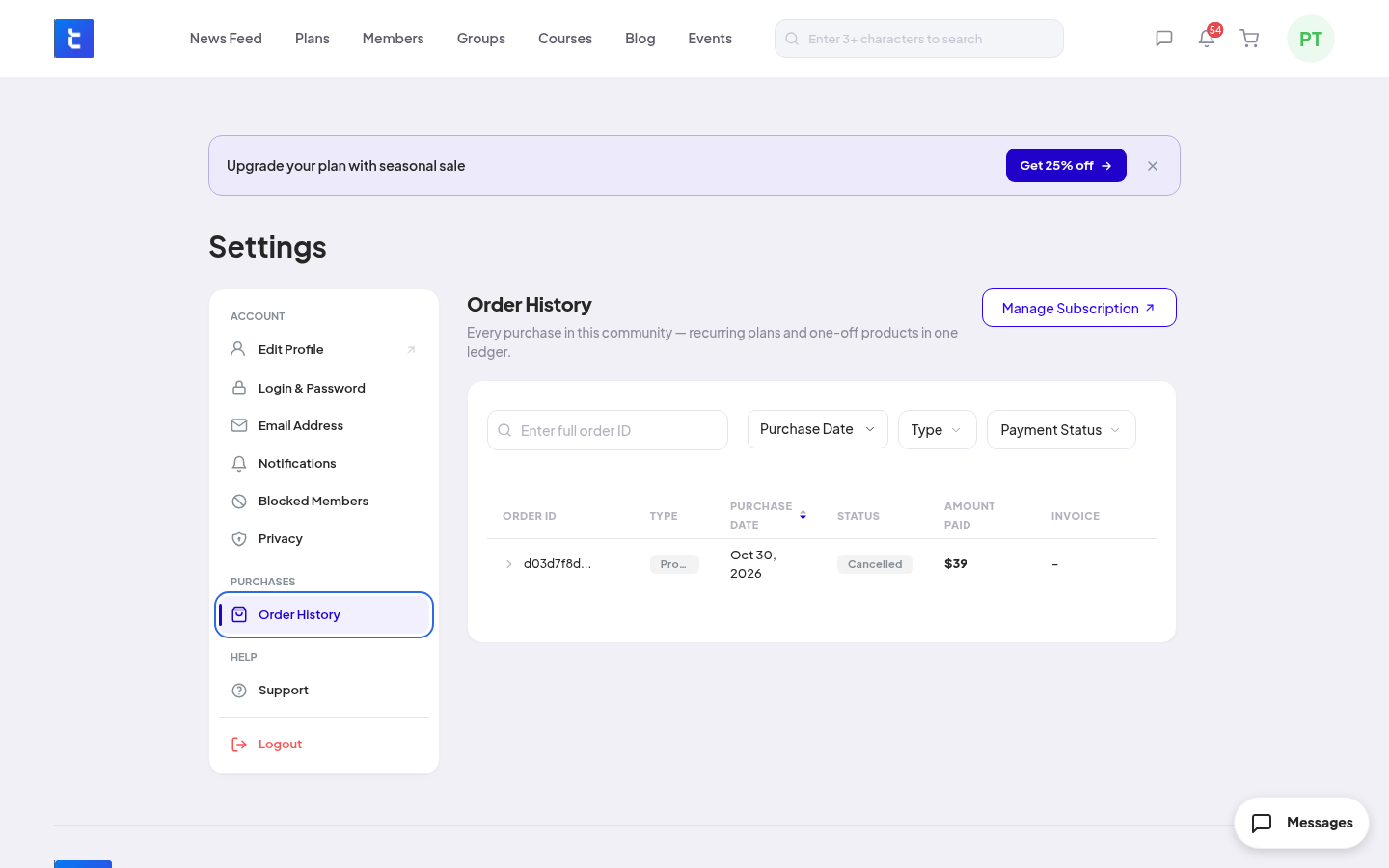
Each row shows the ORDER ID, the TYPE (plan or product), the PURCHASE DATE, the STATUS, the AMOUNT PAID and the INVOICE. Filter by Purchase Date, Type and Payment Status. Each plan renewal is its own row.
Your wishlist
Add to it:
- On a course page, click Wishlist.
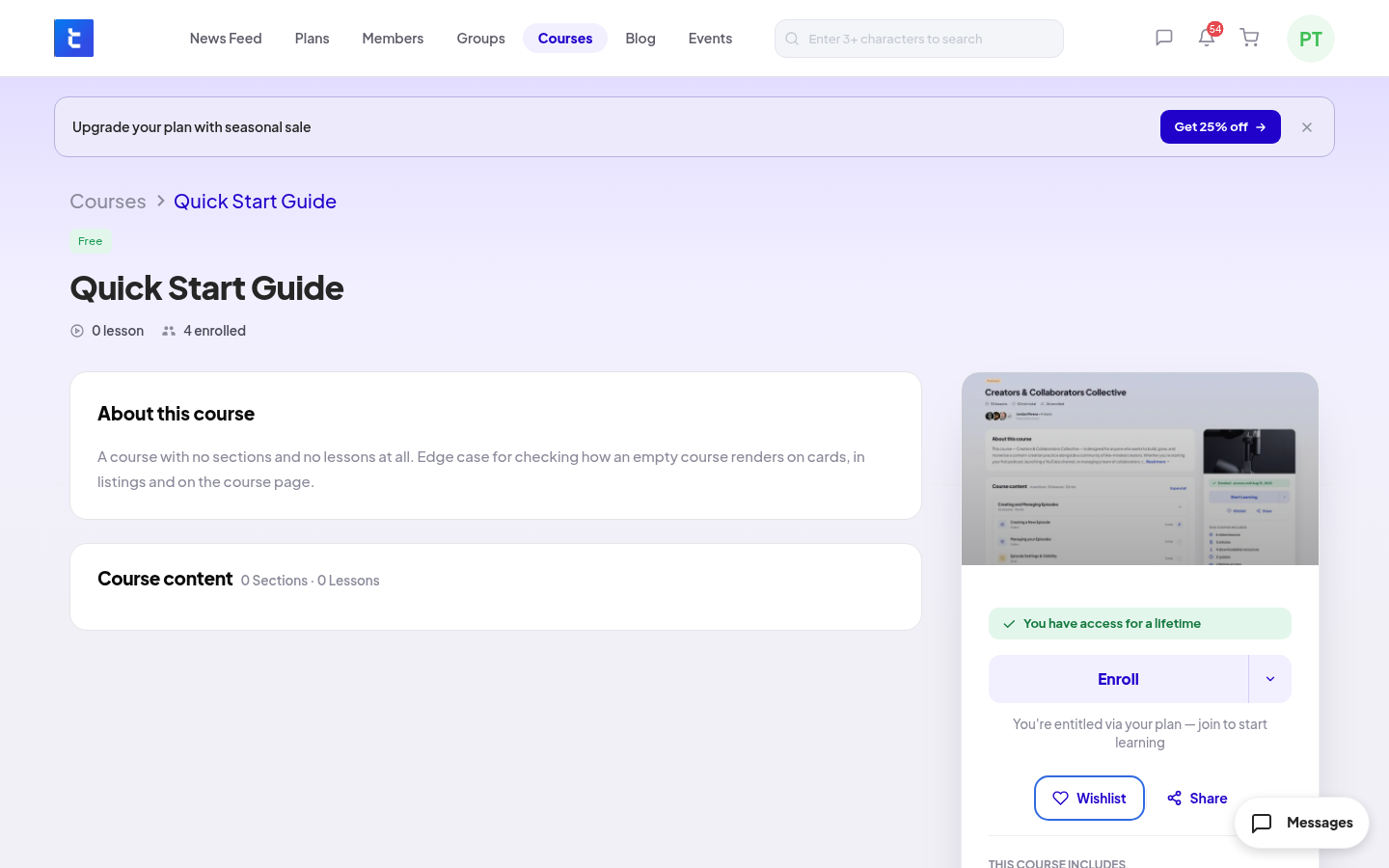
- On a group, event or product page, click the heart.
- On a product card or a blog post card, click the heart.
- In your cart, click the heart on a product (Move to wishlist).
Open it: click Wishlist in the account menu, or in the left column of the News Feed. It has tabs for Products, Groups, Courses, Blogs and Events.
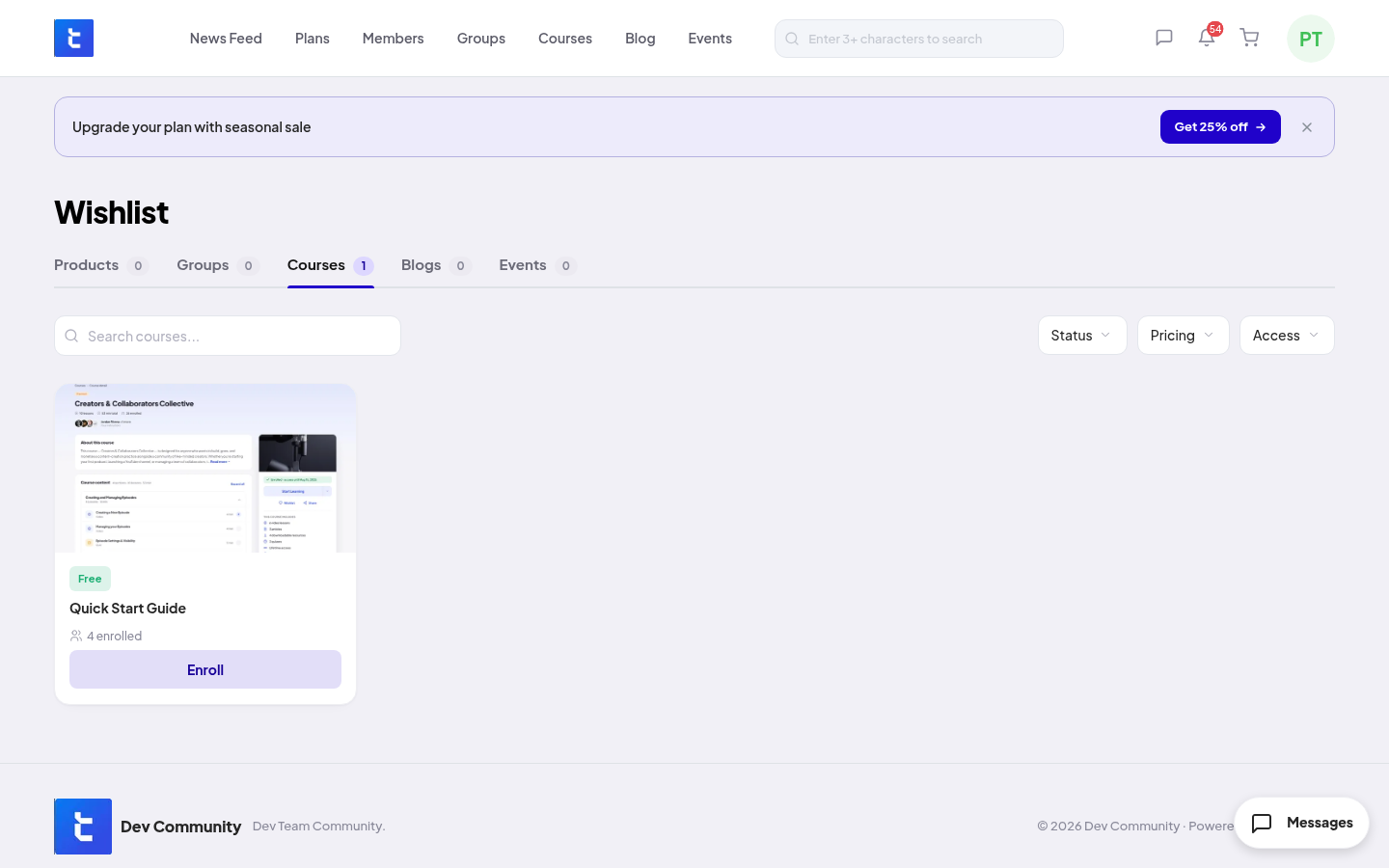
Remove from it: click Wishlist (or the heart) again.
If the team takes a product off sale or cancels an event, it leaves your wishlist by itself.