Read free blog posts in full, and see how a premium post opens once you have access.
Find a post
- In the top menu, click Blog.
- All Blog lists every post. My Blog lists the posts you can read now.
- Use Categories and Pricing to filter, and Sort to change the order.
Each card shows Free or Premium. A free post has a Read Now button.
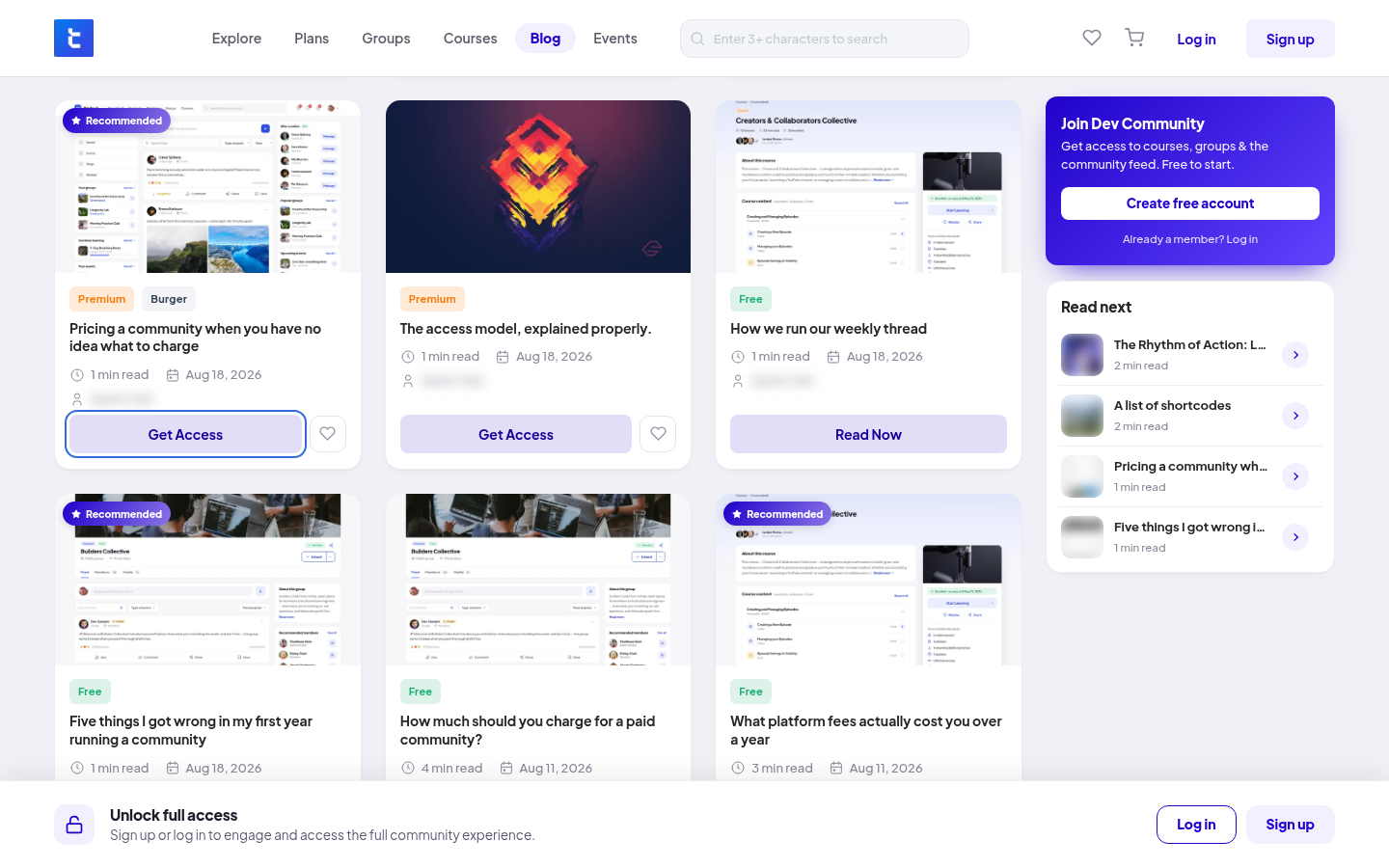
Free posts
Free posts are open to everyone, even people who are not signed in. The post says Free to read.
Premium posts
A premium post shows Premium · access required and only its summary.
- If you are not signed in, you see "Login or Sign Up to Unlock the full blog". Click Login or Register.
- If you are signed in, you see "Unlock the full blog". Click Get Access to see the plans and products that include the post.
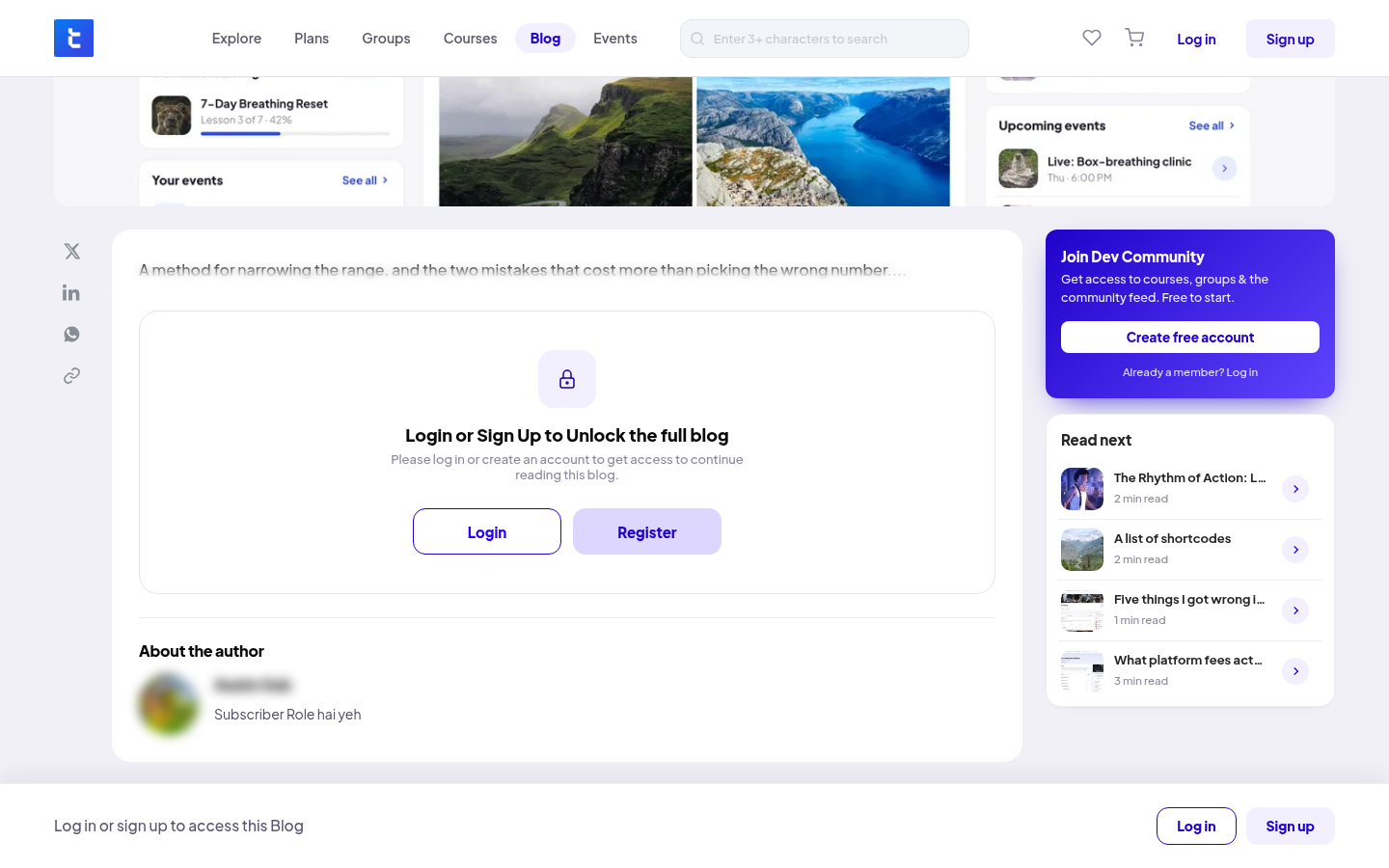
A post is never sold on its own. It comes with a plan or a product. See Buying a product and Subscribing to a plan.
When you have access, the post opens in full. A badge shows how long your access lasts, for example "Lifetime access" or "You have access to this blog until" a date.
On a post
- Share the post on X, LinkedIn or WhatsApp, or click Copy link.
- Report this blog if a post breaks the community guidelines.
- Read next and More from the Blog suggest other posts.
Blog posts have no comments. Members can't write blog posts. Only the community team can.